THE FULL greetful
TUTORIAL
Welcome to your greetful walkthrough. This quick guide shows you exactly what to expect, with screenshots along the way so you always know you’re in the right place.
Four simple steps. In less than 5 minutes, we’ll have you signed up, you'll know exactly how greetful works, and you can create your first notelet and send it to someone special.
Sign up
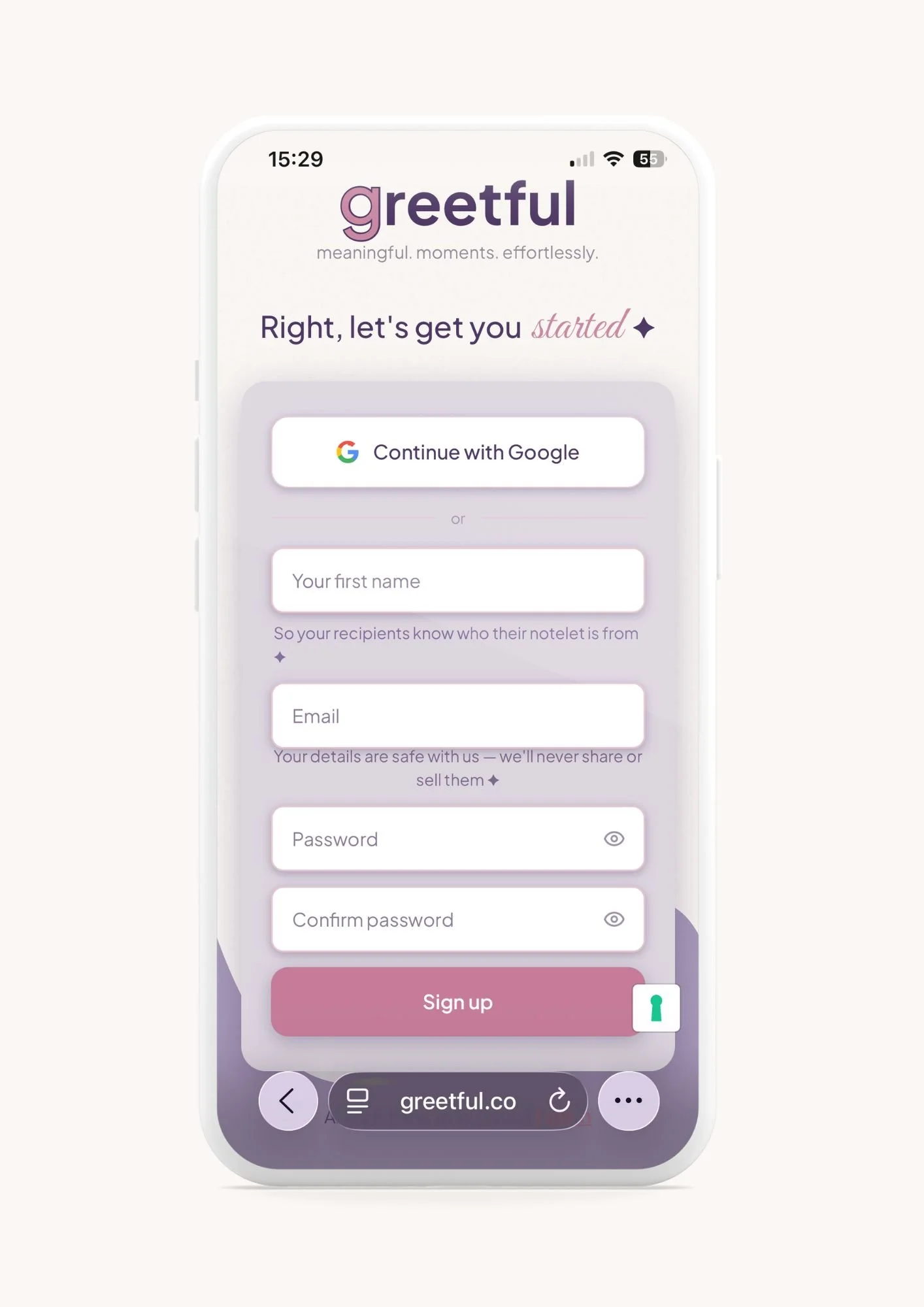
Your name: So your special people know exactly who their notelet is from.
Your email address: We use this to send your reminders.
Your password: Make it a good one: uppercase, lowercase, numbers, maybe a special character if you’re feeling spicy.
2. Verify your email
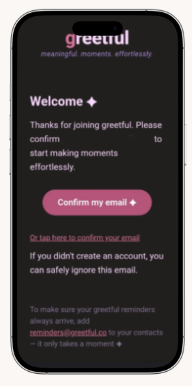
You’ll receive a message asking you to confirm your email.
Tap the link, follow the steps, and… you’re in. Whoop whoop.
While you’re there, add reminders@greetful.co to your safe senders list so they don’t end up lonely and unseen in Junk.
Top Tip ✦
If you don't see the email, check your Junk folder before requesting another one.
3. Welcome to greetful
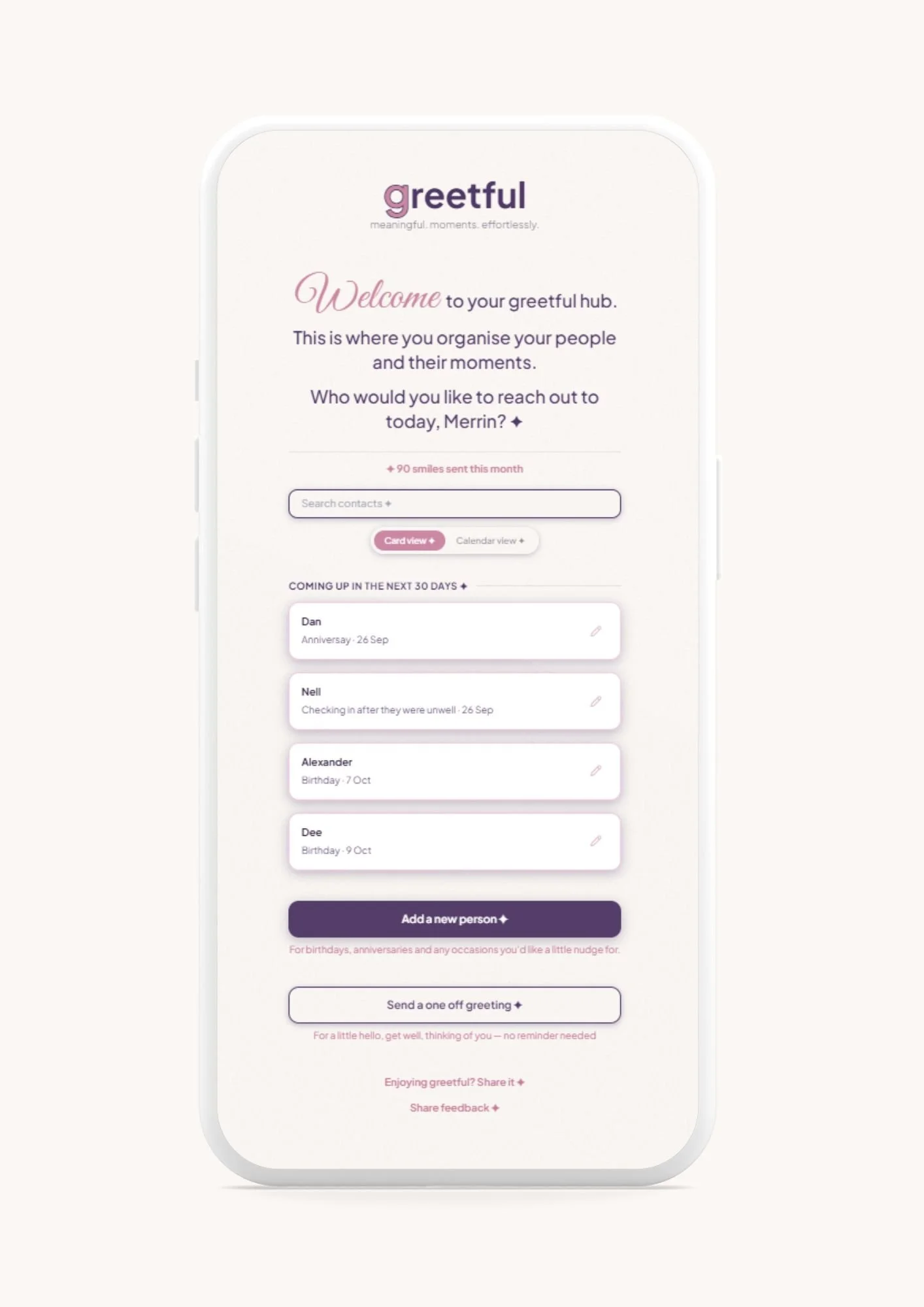
You’ll land on your greetful hub.
This is where greetful starts getting to know the people who matter to you.
You have 2 choices:
From here, you can:
Add an occasion
Perfect for birthdays, anniversaries, keeping in touch - anything recurring or that you want to be reminded about
You’ll enter:
Name - who your greeting is to
Relationship - friend, colleague, sister, boss
Occasion - birthday, anniversary, catch up, get well, congratulations or whatever your greeting is for
Date - so greetful can remind you:
Just a detail or two - whatever would make the greeting more personal - hobbies, plans, inside jokes.
Or, if it’s just a one off occasion, tap into
Send a one-off greeting
Perfect for those moments that don't need a reminder. But always remember, you can remind yourself to follow up on these too if you want. Extra brownie points available.
Good luck.
Get well soon.
Congratulations.
New job.
Thinking of you.
Just because.
The process is exactly the same—just fill in the details and then tap generate your greeting.
Now you can:
Read it
Edit it - make it your own, change it, add to it, whatever you want to do
Try again - get another version
Save it for later - on the day we’ll send a reminder and your saved notelet will be sent in a few clicks
Send it straight away.
See your notelet
If you're on Plus or Premium, you can also choose your notelet colour.
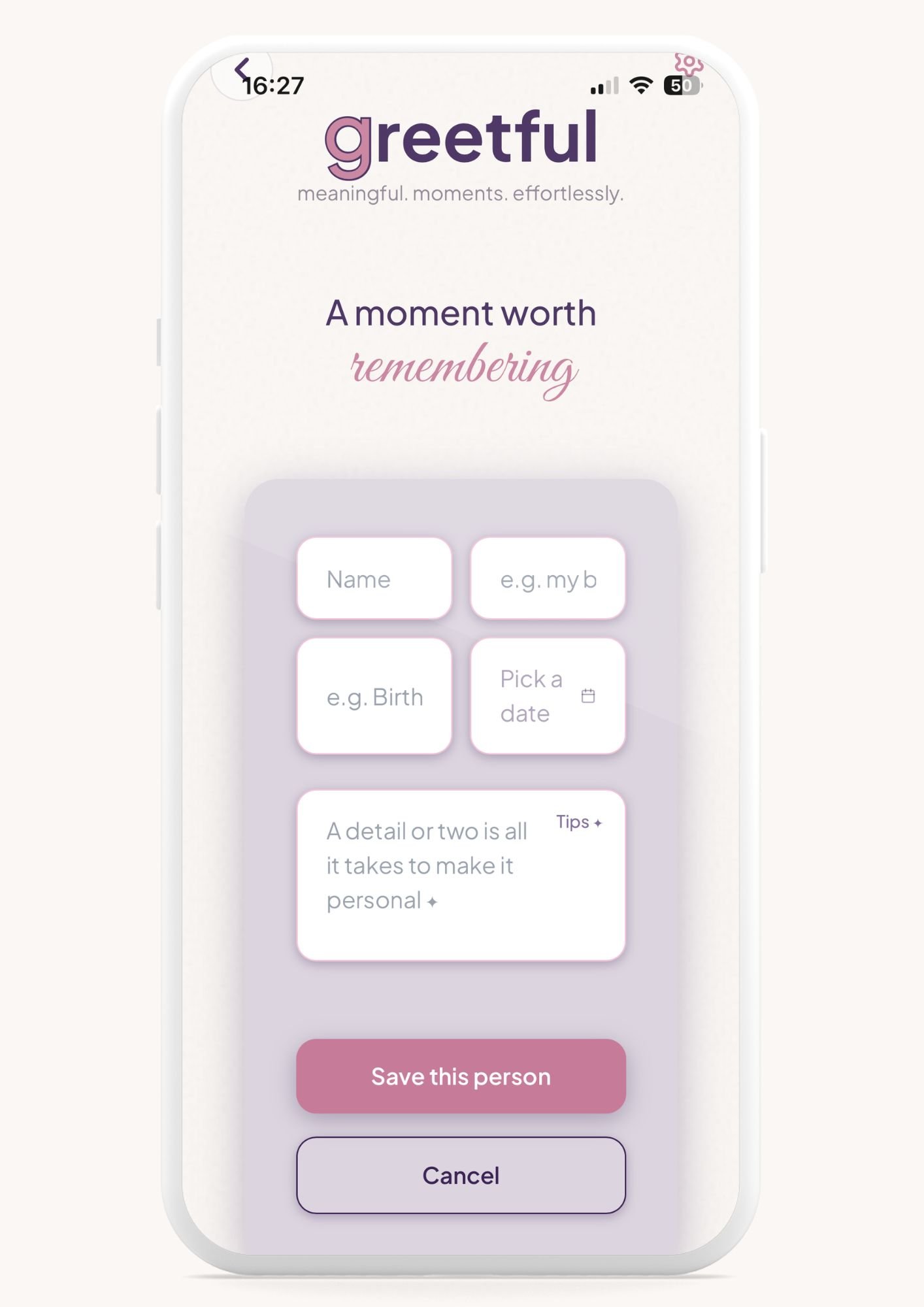
Once you have added those
Tap Save this person.
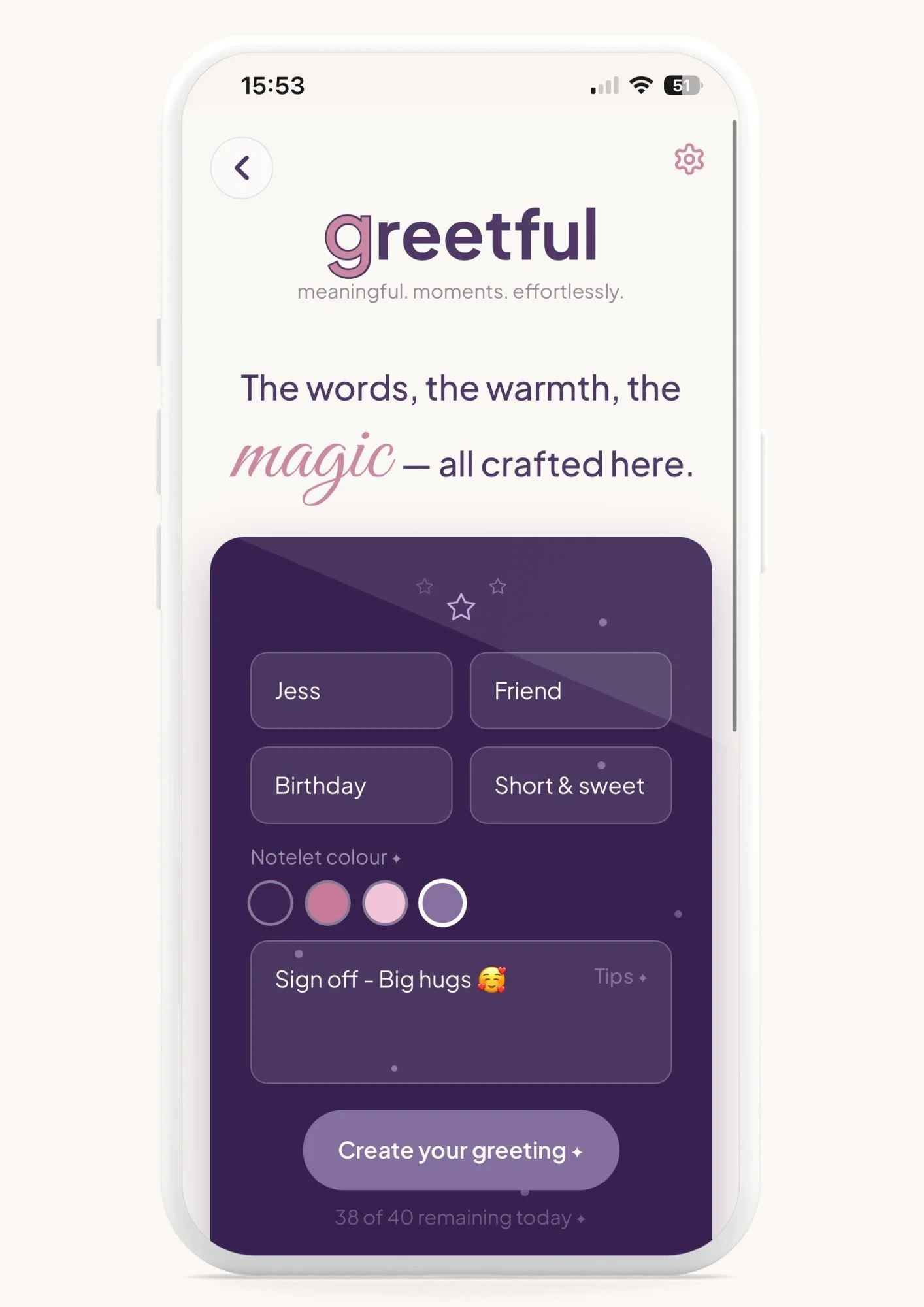
Top Tip ✦
Don’t worry, you can edit and play around with your greetful until you are happy. Nothing gets sent until you press Send.
A selection of greetful notelets
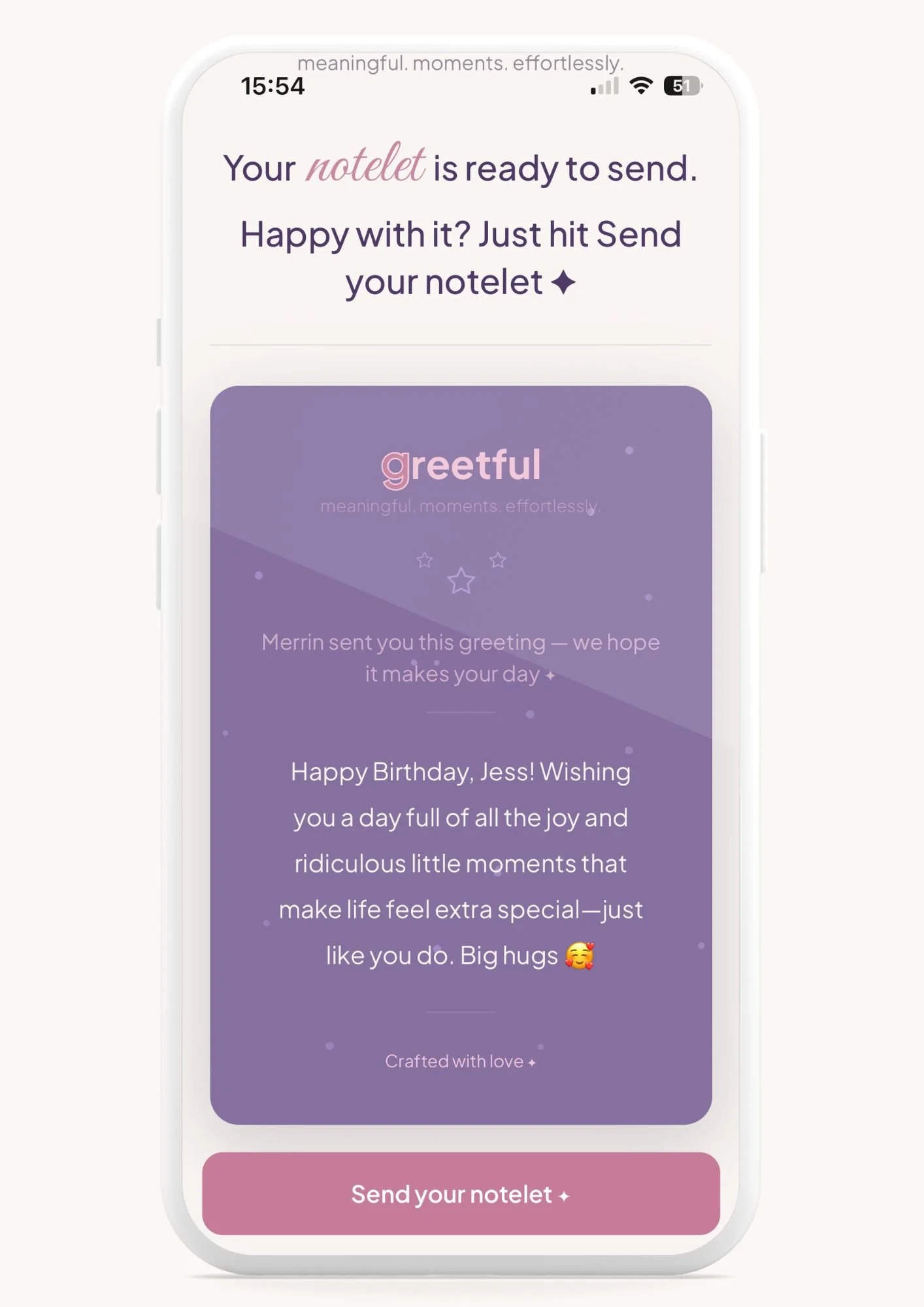
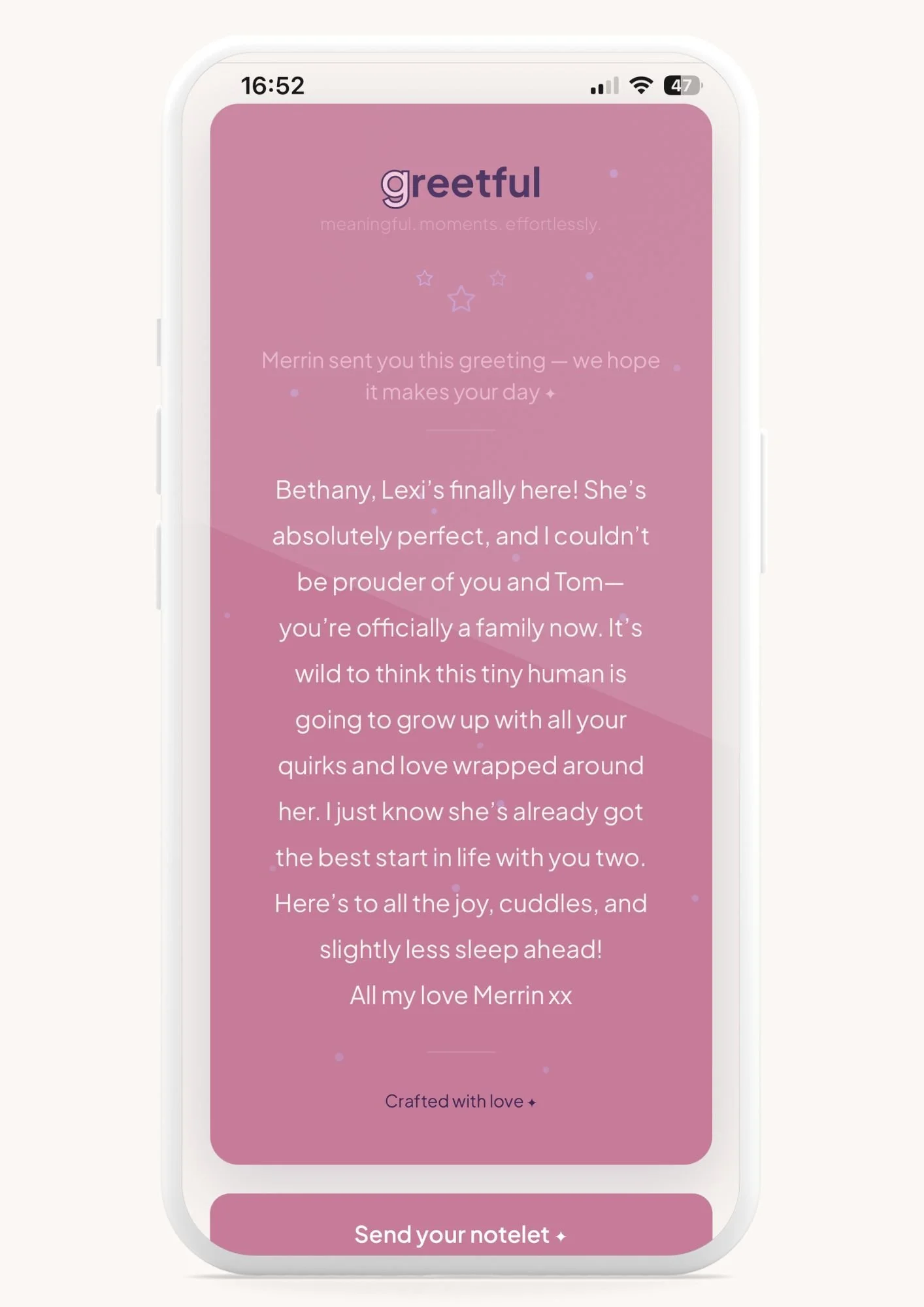
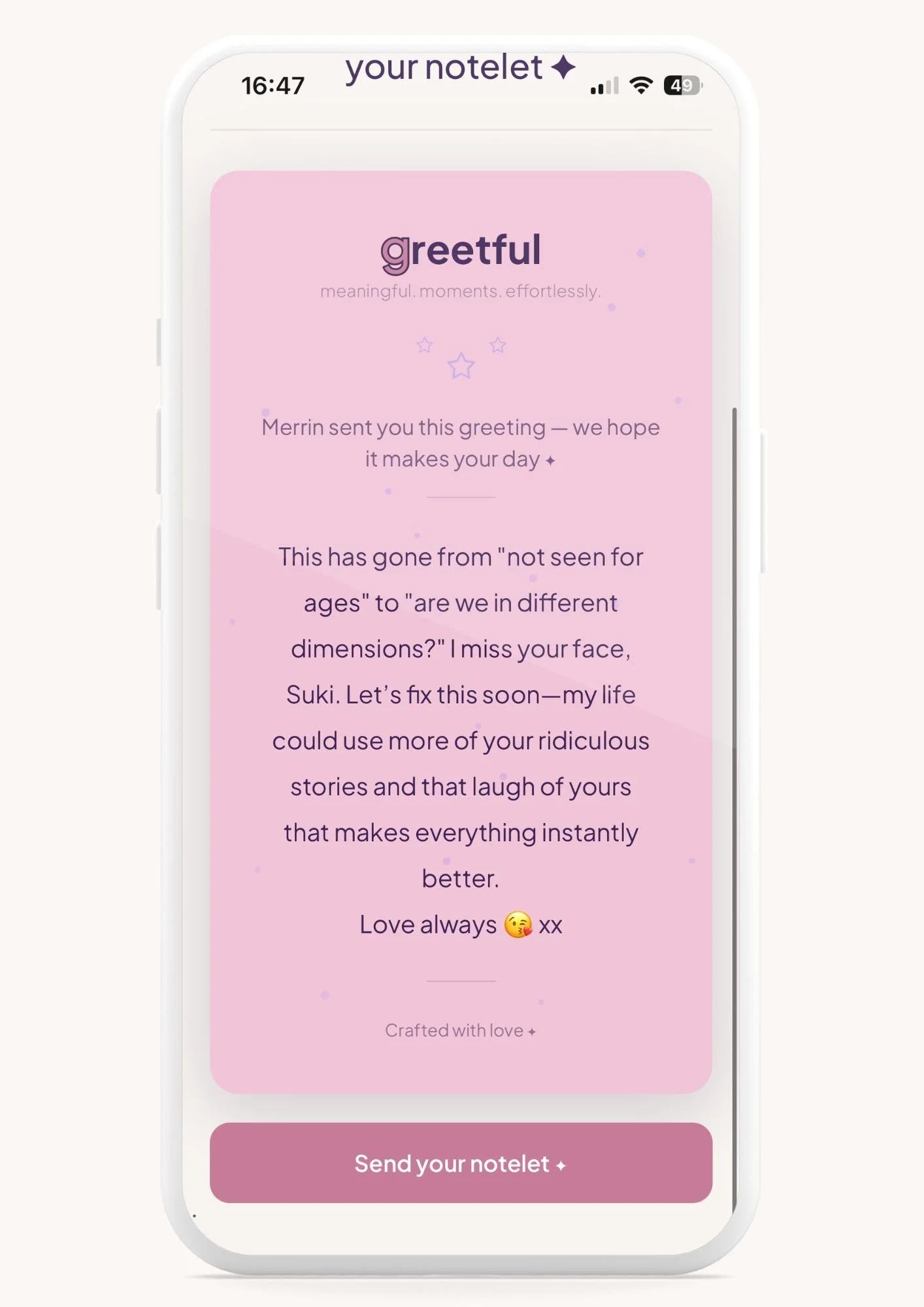
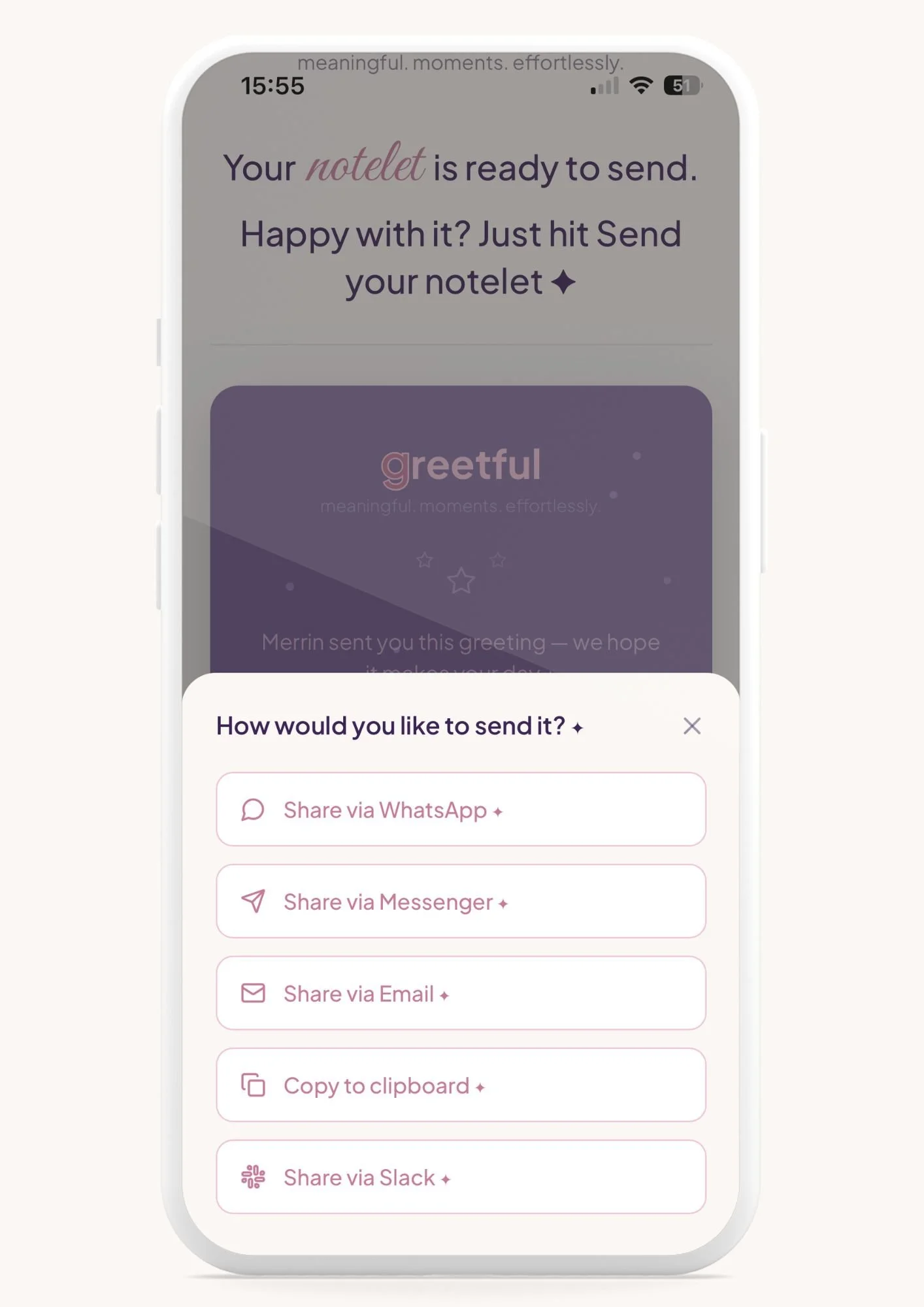
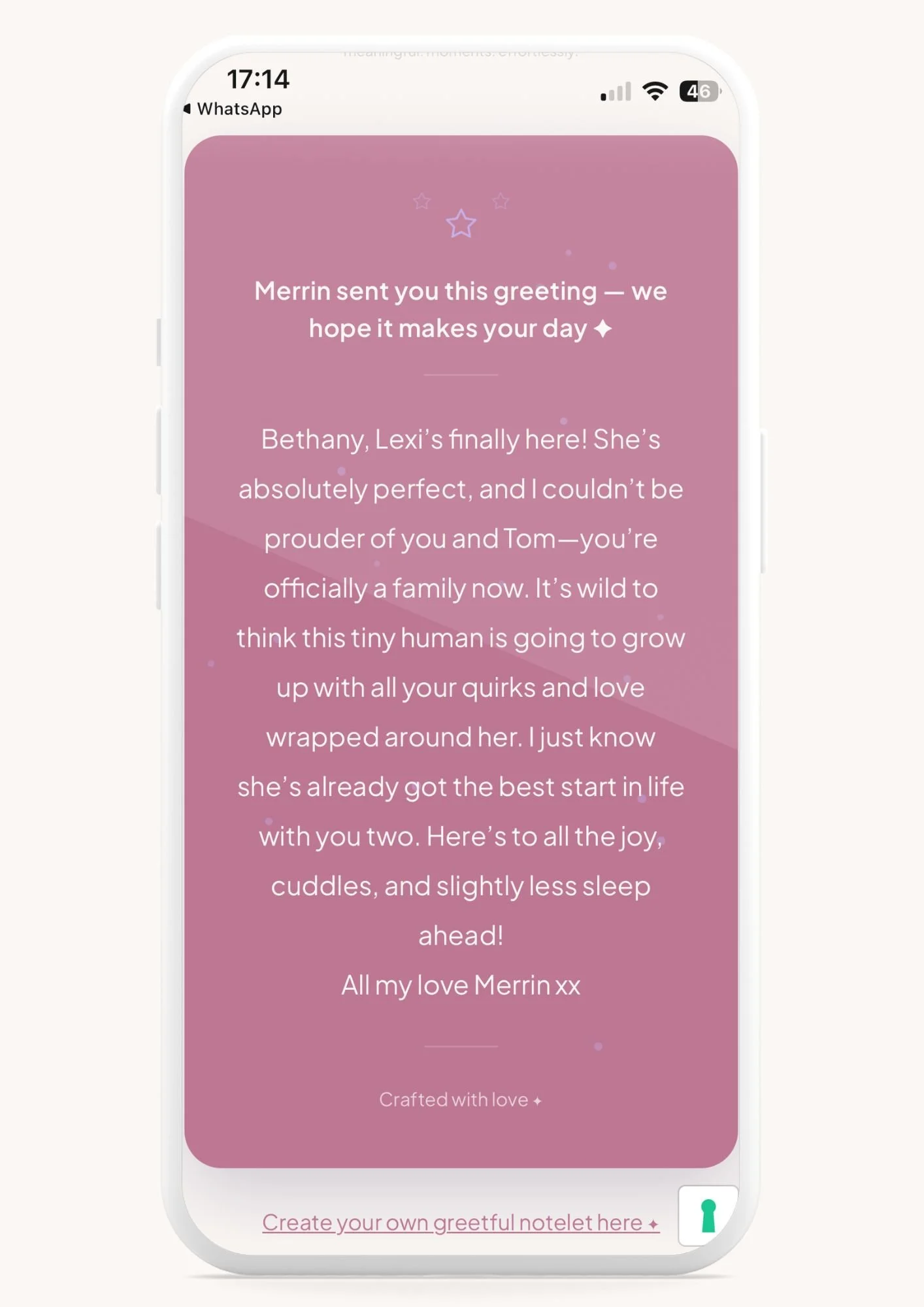
Your notelet is ready to send
Now, you can:
Go back. If it’s not quite right, tap the back arrow in the top left to tweak it. If it’s perfect, press Send your notelet.
How would you like to send it? Choose your preferred option: email, WhatsApp, Messenger, copy, whatever works for you.
And that’s genuinely it.
Imagine the peace of mind that greetful would bring you.
Five minutes from now, someone you love could be receiving a greetful, smiling at their phone, because of you.
Ready to make that happen?
4. Send your notelet
Congratulations
So, when you’ve got a minute, start popping all your people and occasions into your greetful app. Then sit back and relax, knowing you’re all organised. Bliss.
Now, this is just a guess, but hands up those who haven’t actually signed up yet, but as this was the last page you thought you’d just have a read through….
Hellllooooo. I thought there would be a few of you.
Well hopefully you’ve seen how easy it is on here?
Now, just imagine having all your greetings on auto pilot.
Never again have you got to
panic at the last minute
spend hours trying to think of what to say
use valuable head space keeping track of dates, occasions, who did what and when
send an “ordinary” message that gets lost amongst the many others
Don’t worry, there’s no “hard sell” coming, but, if you fancy giving us a try